
How does Portfolio work?
Portfolio is a tool offered by EntryThingy for artists who would like to store their art in one place for easy call applications. You can upload your artwork once and reuse it across multiple calls. The first 3 images are free to store. Please note: Portfolio is not required to apply to a call—it's just an optional convenience feature that many artists use to save time.
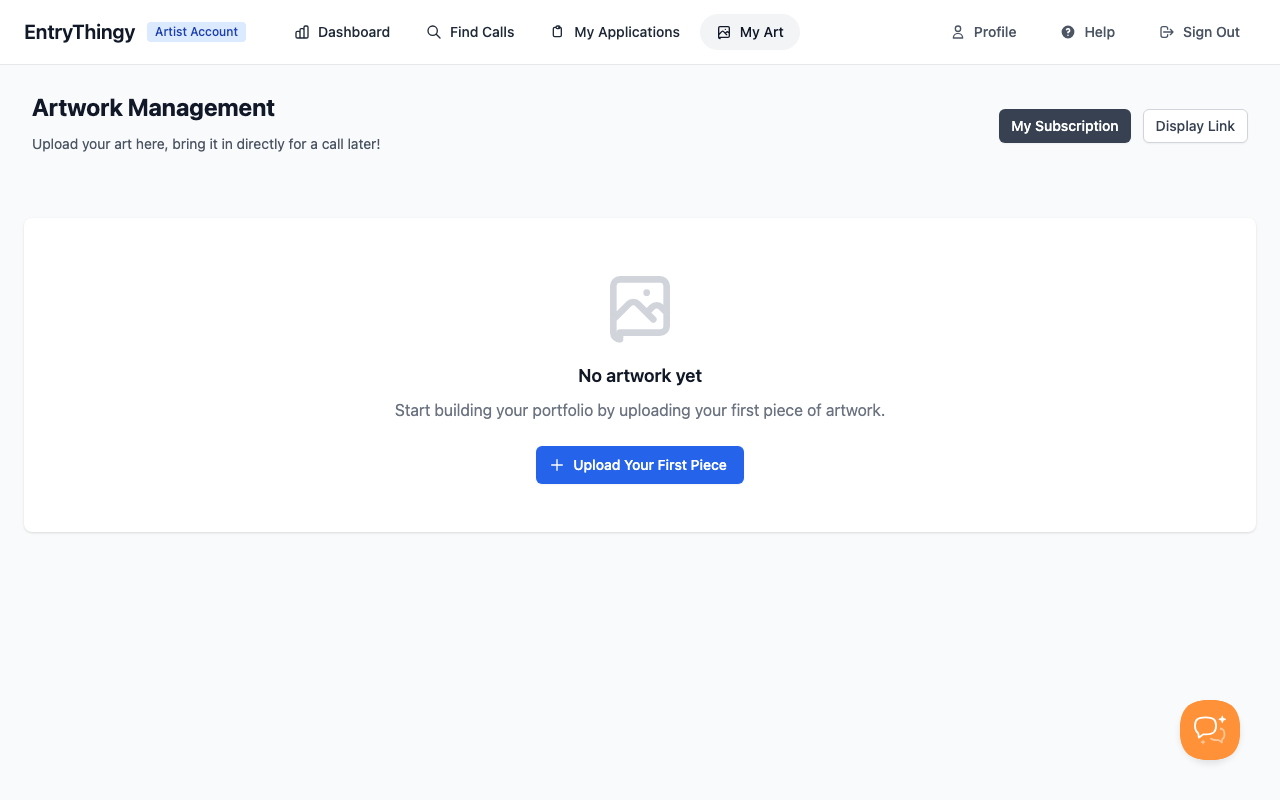
How to Use Portfolio
- Upload your artwork: Go to Portfolio in the navigation menu (or visit app.entrythingy.com/artist/artwork/)
- Upload pieces: Click "Upload Your First Piece" and add images with titles and details
- Apply to calls: When you're applying to a call, you'll see a "Select from My Artwork" option during the entry process
- Choose from your library: Click that option and select which pieces you want to use for that specific call
This saves you from re-uploading the same artwork every time you apply to a new call.
Finding Calls to Apply To
Looking for opportunities? You can browse all available calls at app.entrythingy.com/calls_list/ or click "Find Calls" in the navigation menu.